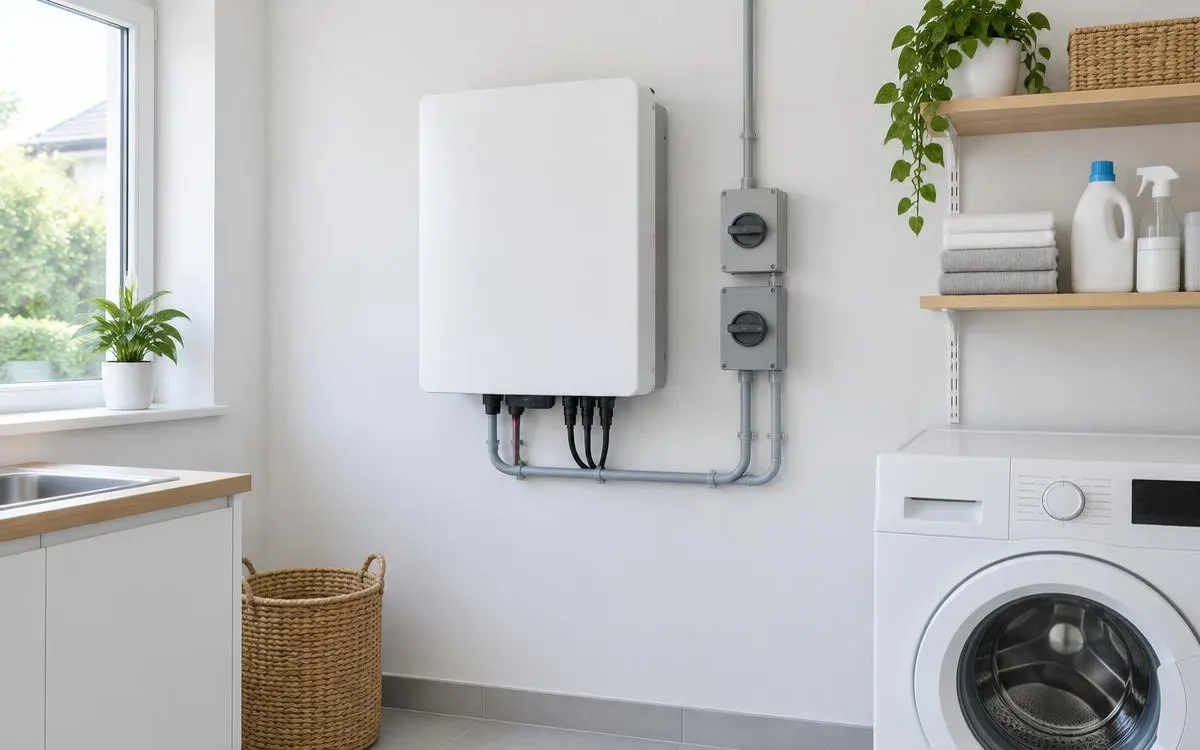
Battery management installation and internal maintenance belong to a qualified professional, not a household DIY project. This guide is for owners preparing for handover or reporting a controller alert. It explains useful observations, update responsibilities and safe care around the equipment. Your owner manual and installer’s instructions take priority over general advice about restarting or changing settings.
For the broader overview, read our guide: Battery Management Systems.
Independent guide. We are not a lender or a government body. Always check current scheme rules with the official provider.
1. Agree professional setup and handover
The installer should commission the complete battery and inverter arrangement using the approved product instructions. Ask how the integrated management system is configured and how communication is checked. You do not need internal wiring instructions to assess whether the handover is complete. Instead, request a working demonstration of normal charging, discharging and monitoring. Confirm who deals with equipment faults and whether the manufacturer must authorise particular repairs or updates.
At handover, ask which displays you can safely inspect and which settings should remain installer-controlled. Keep the owner manual, installation record and equipment identification together. Confirm that your account has appropriate access without using somebody else’s login. Ask what to do if the app stops receiving data. A clear explanation of responsibilities helps prevent a monitoring problem becoming an attempted electrical repair by an unqualified owner.
2. Observe alerts without interfering with protections
When an alert appears, record its exact wording, code and time before contacting the installer. Note what the system was doing and whether the app was online. Distinguish a missing internet connection from a battery that has deliberately stopped operating. Check only accessible owner displays and instructions; do not remove covers or investigate internal connections. Repeated alerts need professional assessment rather than a sequence of guessed restarts that conceals useful fault information.
Unusual heat, smells, swelling, hissing or smoke require a different response from an ordinary connection error. Move away from the equipment and do not attempt to reset it. Leave the area and call 999 if there is fire or smoke. Contact the installer once you are safe. Never approach an unsafe unit to collect a photograph, error code or serial number, and do not bypass a warning to keep the system running.
3. Keep updates and surroundings under control
Ask the installer or manufacturer how approved firmware updates are delivered and whether any action is needed from you. Do not install unofficial software or alter protective settings based on online advice. Updates can involve connected equipment, so ask who checks compatibility before making changes. Keep a dated record of authorised work and any new operating instructions. If a notice is unclear, confirm it through an established support contact before accepting remote access.
Keep the surrounding area clear and maintain the ventilation specified for the installation. Do not store items against the enclosure or cover openings with household materials. Report damage, water exposure or changes around the equipment to the installer. Ask whether the manufacturer recommends scheduled inspection and who should perform it. These owner checks support professional maintenance; they are not instructions to inspect cells, tighten terminals or service the management electronics yourself.
Checklist
- I have the owner manual and commissioning record.
- I know which controls are owner-accessible.
- I record alerts without opening the battery.
- I use approved update and support channels.
- I keep the installation area clear.
Frequently asked questions
Can I install or replace my BMS myself?
No. Internal electrical work and management-system setup belong to a qualified installer working with the approved equipment and manufacturer instructions.
What details should I report with my fault?
Give the exact alert, time and operating context if these are safely available. Do not approach unsafe equipment just to collect more information.
Should I accept every firmware update message?
Confirm the approved update process with your installer or manufacturer. Use established support channels and avoid unofficial downloads or unsolicited remote-access requests.
What should I do if my battery smokes?
Leave the area and call 999 for fire or smoke. Do not open, reset or approach the unit. Contact the installer once you are safe.
So you can support professional maintenance through safe monitoring, clear records and timely fault reporting.
WHLS Editorial Team
Our editorial team writes independent, plain-English guides on home energy finance. We review guides when scheme rules change.
References
- Energy Saving Trust – Energy storage (opens in a new tab)
- GOV.UK – Domestic battery energy storage systems safety review (opens in a new tab)
- Energy Saving Trust – Off-grid (opens in a new tab)
- GOV.UK – Notice of approved grant categories and values for the Boiler Upgrade Scheme (opens in a new tab)
- Energy Saving Trust – Boiler Upgrade Scheme (opens in a new tab)
- MoneySavingExpert – Warm Homes Loan Scheme news (October 2026) (opens in a new tab)
- Financial Conduct Authority – Financial Services Register (opens in a new tab)
- MCS – Find an installer (opens in a new tab)
- Energy Saving Trust – Warm Homes: Local Grant guide (opens in a new tab)
- Home Energy Scotland – Grants and loans (opens in a new tab)
- MCS – Home Energy Scotland Grant and Loan (opens in a new tab)
- Energy Saving Trust – Welsh Government Nest scheme (opens in a new tab)
- Energy Saving Trust – Consumer protection (opens in a new tab)
- RECC – Renewable Energy Consumer Code (opens in a new tab)
- HIES – Home Insulation and Energy Systems (opens in a new tab)