This guide is for UK homeowners who want to understand the battery management system inside a home battery. It explains what the system does, how it keeps the battery safe and how to use its monitoring. It also covers warranties and installer checks. We keep the explanation plain and do not quote lifespans or cycle counts.
Independent guide. We are not a lender or a government body. Always check current scheme rules with the official provider.
What a battery management system does
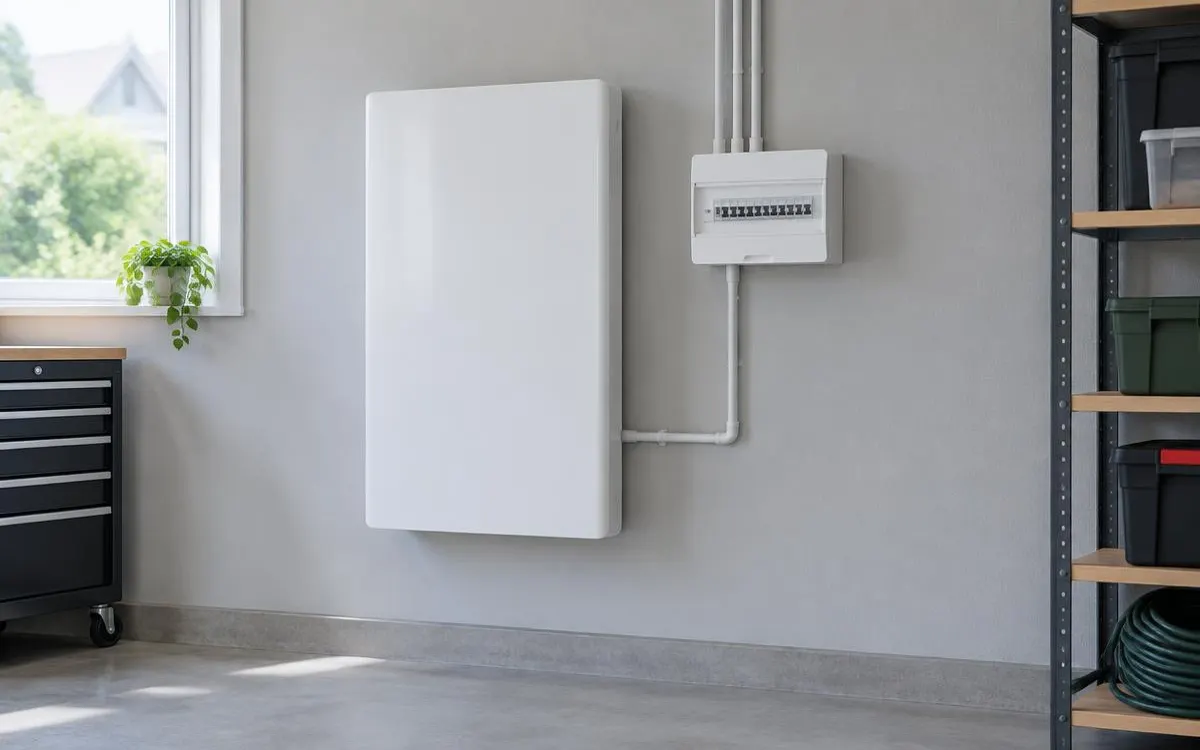
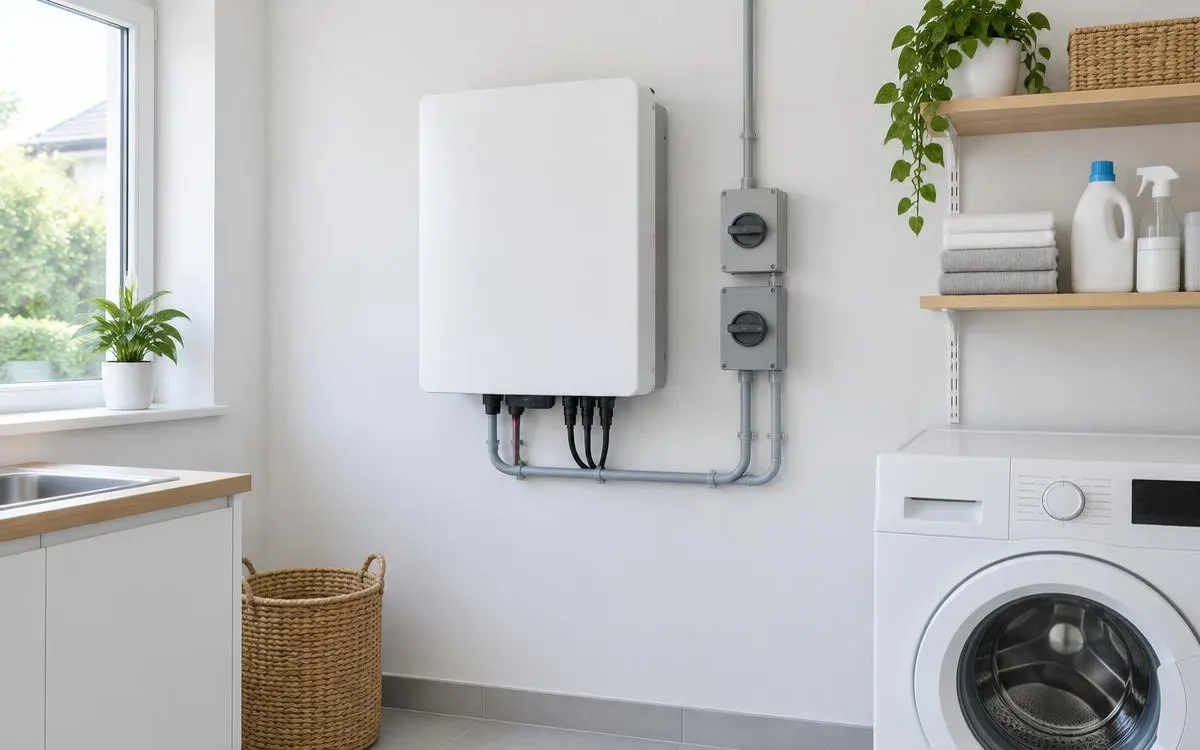
A battery management system, or BMS, is the control centre of a home battery. It watches each cell and decides how the battery charges and discharges. It keeps the cells working within safe limits. Every reputable home battery includes one.
The BMS also balances the cells. Cells can drift apart in charge over time. The BMS evens them out so that no single cell works harder than the rest. This helps the battery deliver its rated capacity.
How a BMS protects your battery
The BMS guards against the conditions that damage cells. It acts automatically and does not need you to step in. Knowing its role helps you understand warranty terms and alerts. The list below covers the main protections.
- Overcharge protection, which stops charging when cells are full.
- Over-discharge protection, which stops the battery draining too far.
- Temperature monitoring, which limits use when cells are too hot or too cold.
- Current limits, which prevent the battery delivering more power than it should.
- Fault detection, which can shut the system down and raise an alert.
Monitoring, warranties and installer checks
Most systems share BMS data through an app or display. You can see the state of charge and how the battery is used through the day. Check the app now and then and report anything unusual. Follow these steps when you compare systems.
- Ask each installer which monitoring the system includes.
- Read how the warranty defines remaining capacity over time.
- Check whether the warranty needs the battery to stay online.
- Confirm who you contact if the BMS reports a fault.
- Check each installer's MCS certification.
The Warm Homes Loan Scheme sets a £15,000 maximum for battery storage, separate from the £15,000 solar maximum. Batteries are not in the Boiler Upgrade Scheme grant categories. Three details are not yet confirmed. The Government has not published the eligibility rules. It has not confirmed how or when you apply. Each lender has not yet published its rates.
Checklist
- BMS protections explained by the installer
- Monitoring app or display confirmed
- Warranty capacity terms read
- Online connection requirement checked
- Fault contact confirmed
- MCS certification checked
Frequently asked questions
What is a battery management system?
It is the control system inside a home battery. It watches each cell and keeps it within safe limits.
Does every home battery have a BMS?
Reputable home batteries include one. Ask your installer to confirm.
What does cell balancing mean?
The BMS evens out the charge across cells so no single cell works harder than the rest.
What should I do if the app shows a fault?
Contact your installer. Do not open or repair the battery yourself.
Does the warranty depend on the BMS?
Many warranties use BMS data. Read how your warranty defines remaining capacity and any online requirement.
So you can understand how your battery protects itself and what to check before you buy.
WHLS Editorial Team
Our editorial team writes independent, plain-English guides on home energy finance. We review guides when scheme rules change.
References
- GOV.UK – Notice of approved grant categories and values for the Boiler Upgrade Scheme (opens in a new tab)
- Energy Saving Trust – Boiler Upgrade Scheme (opens in a new tab)
- MoneySavingExpert – Warm Homes Loan Scheme news (October 2026) (opens in a new tab)
- Financial Conduct Authority – Financial Services Register (opens in a new tab)
- MCS – Find an installer (opens in a new tab)