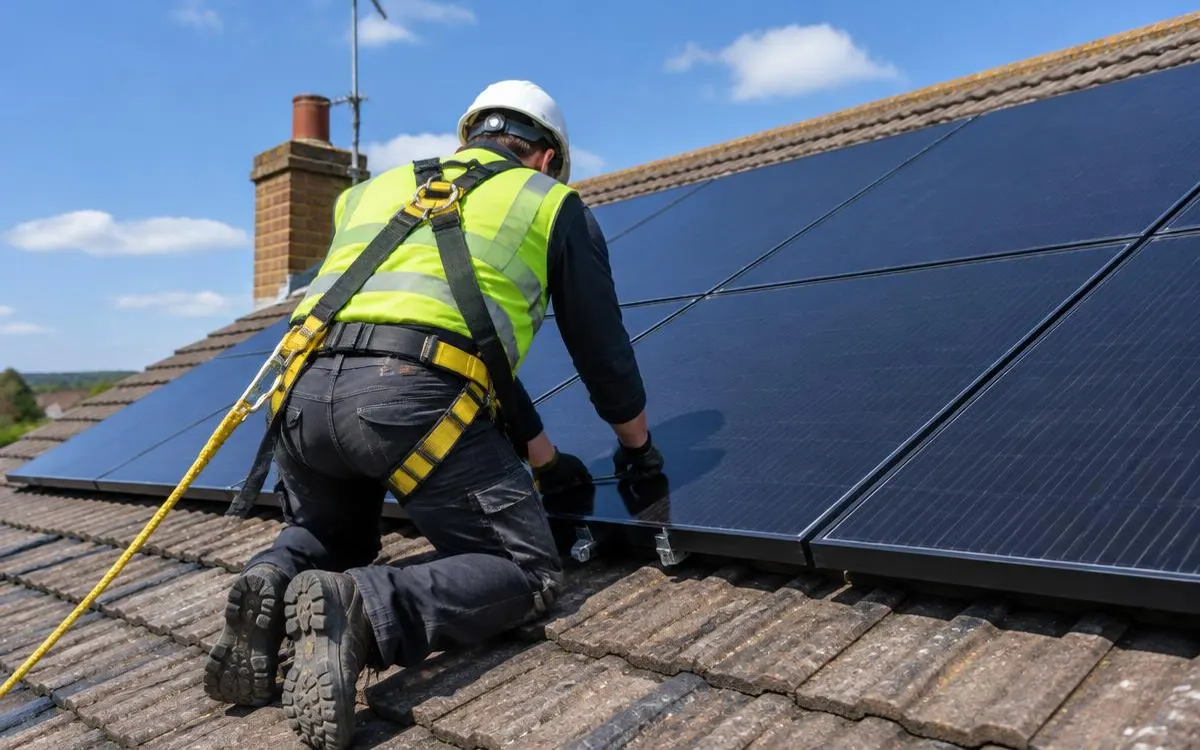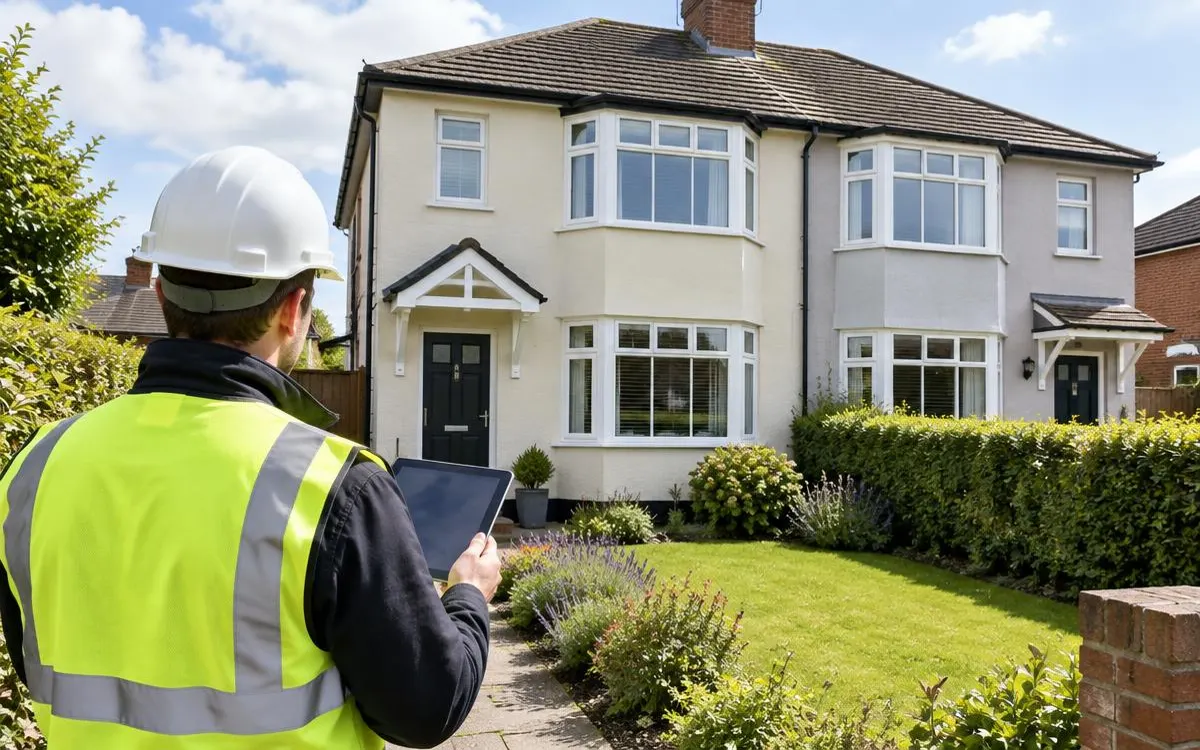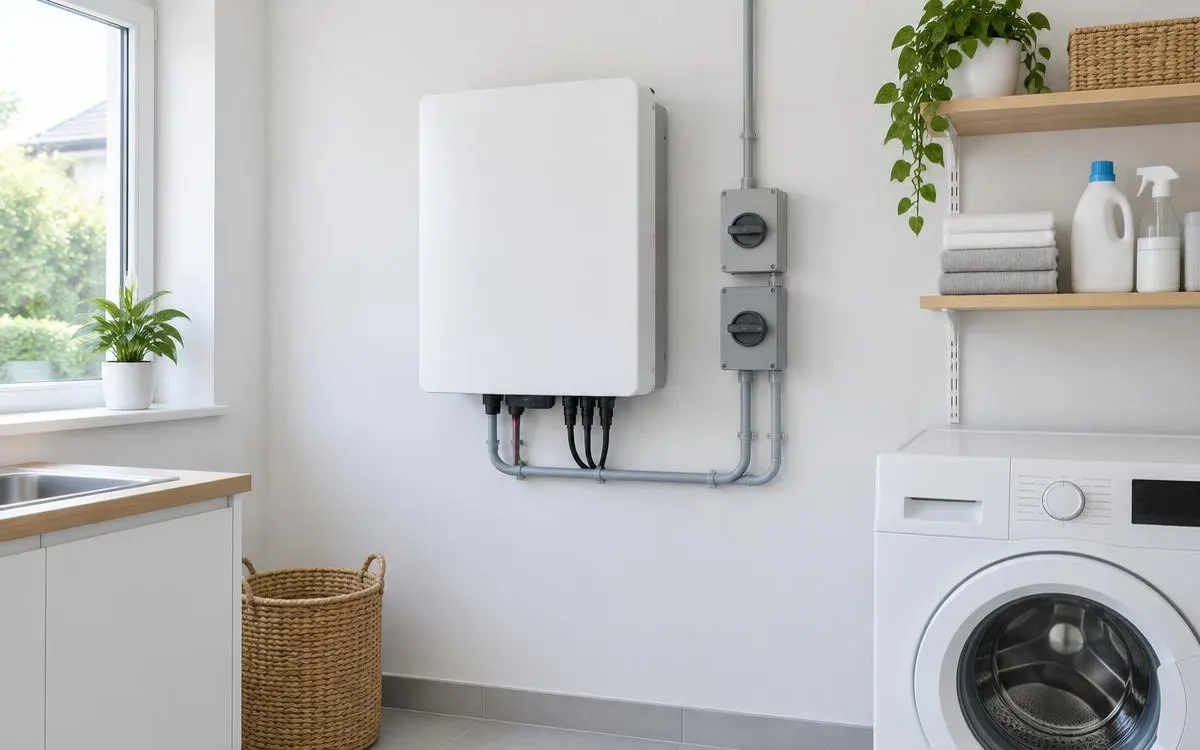
Check your monitoring and contact the installer when something changes unexpectedly. Solar output varies with weather and season, so one lower reading does not establish a fault. Keep equipment instructions and warranty contacts available before a problem appears. Never climb onto the roof or open electrical equipment to investigate panels, wiring or an inverter.
For the broader overview, read our guide: Solar Arrays UK.
Independent guide. We are not a lender or a government body. Always check current scheme rules with the official provider.
1. Establish a safe monitoring routine
Ask the installer to show how your generation monitoring works at handover. Confirm which reading represents solar generation rather than household consumption, battery activity or grid export. Keep access details and instructions somewhere you can find them without relying on memory. Use the manufacturer's recommended checks rather than inventing a maintenance schedule.
Compare patterns with an awareness of weather, season and changes around the roof. A different reading does not automatically show a failing panel. Note when an unexpected change began and whether the monitoring itself stopped updating. Ask the installer to explain how to distinguish a communication issue from a reported equipment fault.
Observe the roof only from a safe ground-level position. Look for new shading from vegetation or nearby changes and report concerns to the installer. Do not trim vegetation close to equipment or reach beneath panels yourself. If access, cleaning or inspection is needed, ask about a suitable professional arrangement.
- Learn the normal monitoring display and keep the operating instructions.
- Record unexpected changes with the date and conditions you observed.
- Send the installer the information before attempting any equipment adjustment.
2. Record faults without attempting repairs
An inverter alert needs the meaning supplied by that equipment's instructions or the installer. Record the displayed message or error code if you can do so safely. Describe whether monitoring has changed and whether other equipment shows an alert. Do not open the inverter, disconnect wiring or follow an unverified online repair procedure.
Dirt and bird activity can affect the area around a roof-mounted array. Ask the installer whether cleaning, inspection or bird protection is appropriate for your system. Do not assume all visible dirt requires paid cleaning or that every roof needs extra protection. Never disturb nesting birds; ask a suitable professional how any issue should be handled lawfully.
New shading can change the generation pattern without a component having failed. Tell the installer about trees, nearby building work or other changes you have noticed. Ask whether the design or monitoring needs review rather than buying extra equipment immediately. Keep the explanation with earlier records so future checks can follow the same history.
3. Contact the right person and keep records
Use the fault contact supplied at handover and explain the issue plainly. Include the equipment model, alert, date and relevant monitoring details. Ask whether the problem is covered by the equipment warranty or workmanship protection. Confirm any proposed inspection scope and responsibility for costs before arranging non-emergency work.
Treat signs of an electrical hazard as a safety issue, not a performance puzzle. Stay clear of damaged equipment and follow emergency advice if there is fire or immediate danger. Do not approach the roof or operate unfamiliar switches to find the cause. Contact the appropriate emergency service where needed and leave diagnosis to qualified professionals.
Keep correspondence, inspection reports and any repair documents with the installation paperwork. Ask the installer to explain what changed and how normal operation should appear afterwards. Continue the checks recommended for the repaired equipment rather than assuming a new routine. A clear record helps the next person investigating a fault understand what has already happened.
Checklist
- I understand my generation display.
- I have recorded alerts and changes.
- I inspect only from a safe location.
- I know my fault and warranty contacts.
- I keep maintenance and repair records.
Frequently asked questions
Does a lower reading mean my panels are faulty?
Not necessarily. Weather, season, shading and monitoring problems can affect what you see. Record the change and ask the installer to interpret it.
What should I do about my inverter error light?
Read the supplied guidance and record the message safely. Contact the installer; do not open the equipment or attempt a repair.
Should I clean my panels myself?
Do not climb onto the roof. Ask the installer whether cleaning is needed and how it can be arranged safely for your installation.
What if birds are nesting near my panels?
Do not disturb nests or reach beneath panels. Ask a suitable professional about lawful inspection and any appropriate protection.
So you can recognise changes, report useful information and leave roof and electrical work to qualified people.
WHLS Editorial Team
Our editorial team writes independent, plain-English guides on home energy finance. We review guides when scheme rules change.
References
- Energy Saving Trust – Solar panels (opens in a new tab)
- Planning Portal – Solar equipment planning checks (opens in a new tab)
- GOV.UK – Register energy devices (opens in a new tab)
- Energy Saving Trust – Solar panel cleaning and maintenance (opens in a new tab)
- Electrical Safety First – Solar panels (opens in a new tab)
- MCS – Find an installer (opens in a new tab)
- Energy Saving Trust – Consumer protection (opens in a new tab)