Homeowner maintenance means safe observation and care around the system, not opening the battery or servicing its cells. This guide is for owners setting up a practical routine after installation. It covers surroundings, monitoring, software and records within the manufacturer’s instructions. Ask the installer which inspections apply to your product rather than assuming every battery needs the same service schedule.
For the broader overview, read our guide: Residential Battery Options.
Independent guide. We are not a lender or a government body. Always check current scheme rules with the official provider.
1. Keep the installation surroundings suitable
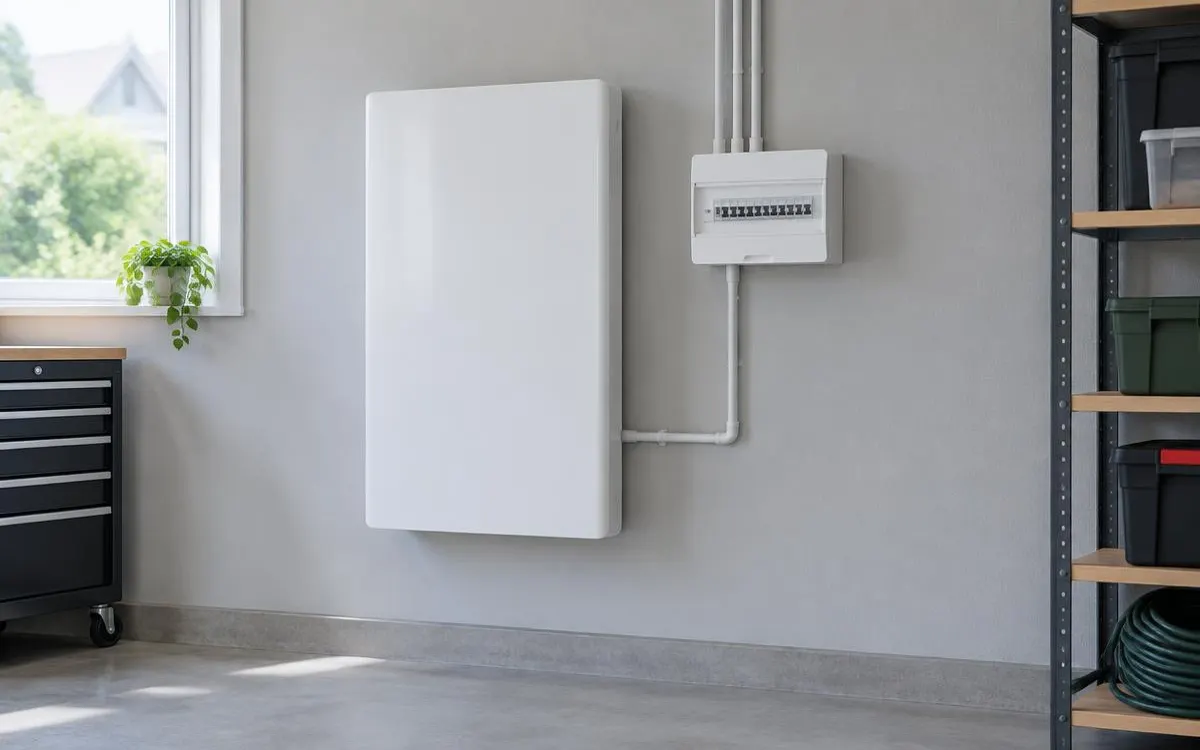
Keep access and the ventilation specified for the system clear of stored items. Do not lean household materials against the enclosure or cover openings to improve its appearance. The agreed location needs to remain suitable as the room or outside area changes. Tell the installer about nearby heat sources, building work or possible water exposure. An owner should not move the unit, alter mounting arrangements or add improvised ventilation equipment without professional assessment.
Use only the external care described in the owner manual, without removing covers or touching electrical connections. If damage is visible from a safe position, report it rather than inspecting inside. Keep the area available for authorised service visits. Unusual heat, swelling, smells, hissing or smoke require you to move away and stop ordinary checks. Leave the area and call 999 for fire or smoke, then contact the installer once you are safe.
2. Monitor operation and manage approved software
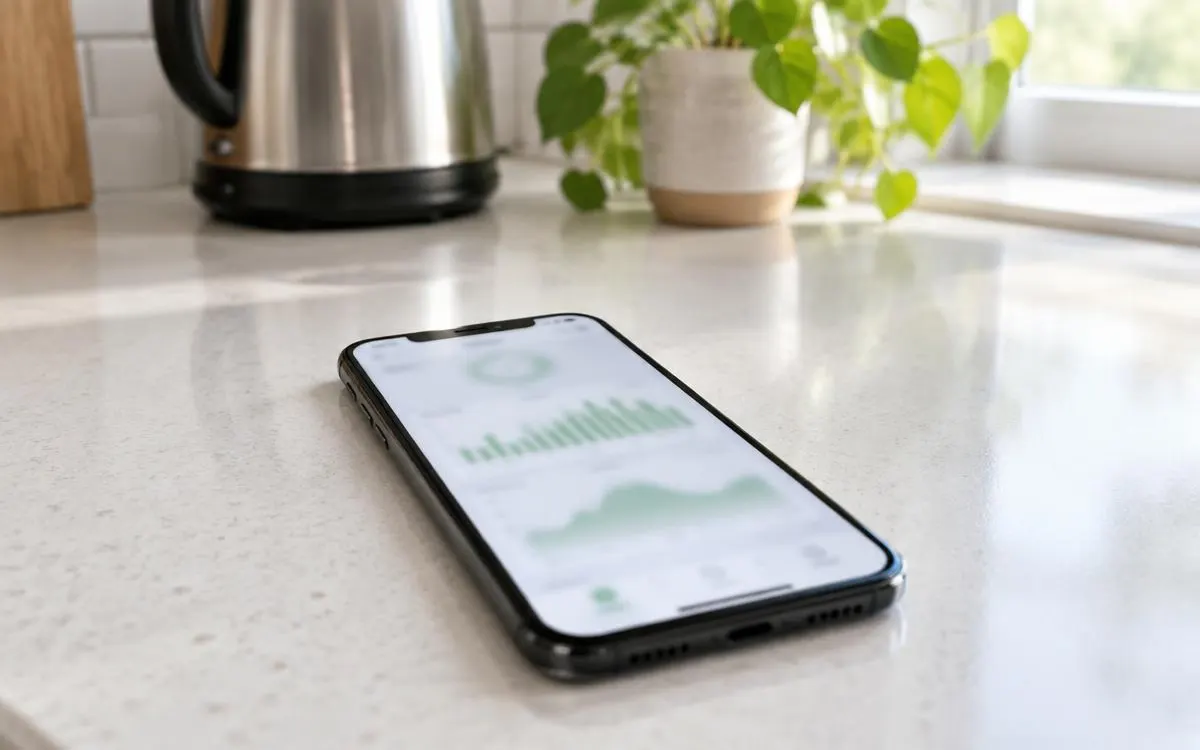
Use the app or safely accessible display to notice persistent alerts and unexplained operating changes. Record exact messages, times and relevant context before contacting support. Missing online data is not automatically a battery failure, so distinguish connectivity from operation using approved instructions. Do not repeatedly reset equipment or override protective controls to clear a warning. Useful owner monitoring leaves internal diagnosis and electrical work to the qualified installer or manufacturer-authorised professional.
Ask how firmware updates are delivered and whether they require any action from you. Use the installer or manufacturer’s established process rather than unofficial downloads or unsolicited remote-access offers. Confirm who checks compatibility with connected inverters and other equipment. Keep a dated record of authorised updates and revised instructions. If a proposed change affects an owner setting, ask for an explanation before accepting it, particularly where backup or tariff scheduling is part of the design.
3. Follow product-specific inspection and record requirements
Ask whether the manufacturer or installer advises an annual check or another inspection arrangement for your product. Do not present an annual visit as a universal requirement for every home battery. Request the recommended scope, qualified provider and relevant warranty conditions in writing. Keep equipment cover separate from workmanship and consumer-code protection. A service obligation does not authorise an owner to open the enclosure, test internal components or work on electrical connections.
Keep manuals, commissioning documents, invoices and protection certificates alongside monitoring and service records. Ask which evidence supports a fault report or warranty claim without collecting details from unsafe equipment. Update the support contact if the original installer’s arrangements change. Tell other household members which controls they can use and which warnings need professional attention. A simple documented routine helps you maintain suitable surroundings and recognise problems while keeping specialist work outside household maintenance.
Checklist
- I keep access and required ventilation clear.
- I report damage without opening the enclosure.
- I record persistent alerts and operating changes.
- I use approved firmware and support channels.
- I follow the actual inspection and warranty instructions.
Frequently asked questions
Do I need an annual service for my battery?
Follow the actual manufacturer or installer advice. Ask whether an annual check applies; it is not a universal rule for every product.
Can I open my battery to clean inside?
No. Follow permitted external care only. Internal electrical inspection and maintenance belong to qualified professionals.
Should I clear my repeated alert with repeated resets?
No. Record the message and contact support. Repeated resets can obscure the fault and should not replace professional assessment.
What records should I keep for maintenance?
Keep manuals, commissioning records, warranties, protection certificates and authorised update or service records, together with useful fault observations.
So you can maintain clear surroundings and useful records without taking on unsafe internal servicing.
WHLS Editorial Team
Our editorial team writes independent, plain-English guides on home energy finance. We review guides when scheme rules change.
References
- Energy Saving Trust – Energy storage (opens in a new tab)
- GOV.UK – Domestic battery energy storage systems safety review (opens in a new tab)
- Energy Saving Trust – Off-grid (opens in a new tab)
- GOV.UK – Notice of approved grant categories and values for the Boiler Upgrade Scheme (opens in a new tab)
- Energy Saving Trust – Boiler Upgrade Scheme (opens in a new tab)
- MoneySavingExpert – Warm Homes Loan Scheme news (October 2026) (opens in a new tab)
- Financial Conduct Authority – Financial Services Register (opens in a new tab)
- MCS – Find an installer (opens in a new tab)
- Energy Saving Trust – Warm Homes: Local Grant guide (opens in a new tab)
- Home Energy Scotland – Grants and loans (opens in a new tab)
- MCS – Home Energy Scotland Grant and Loan (opens in a new tab)
- Energy Saving Trust – Welsh Government Nest scheme (opens in a new tab)
- Energy Saving Trust – Consumer protection (opens in a new tab)
- RECC – Renewable Energy Consumer Code (opens in a new tab)
- HIES – Home Insulation and Energy Systems (opens in a new tab)