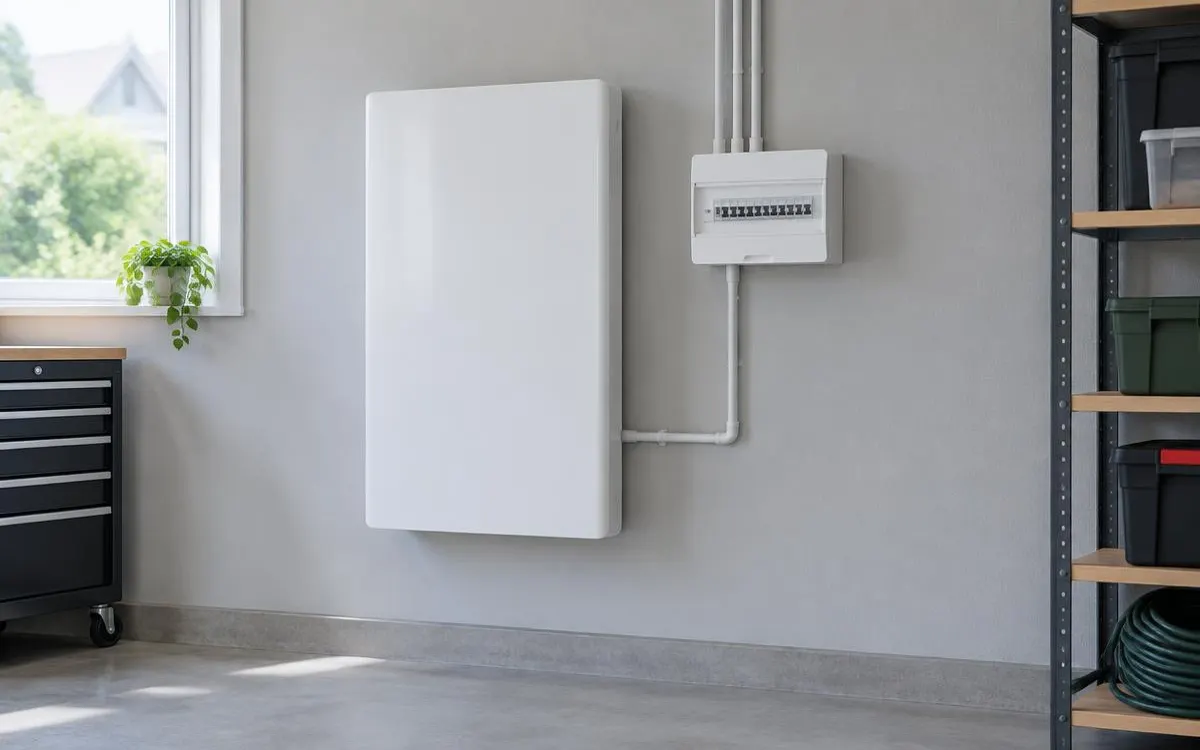
Limit troubleshooting to safe owner observations and the actions explicitly described in your manual. This guide is for households seeing missing app data or unexpected charging behaviour. It separates everyday monitoring checks from faults needing professional attention. Never open the battery, change wiring or override protective controls to investigate why the system has stopped.
For the broader overview, read our guide: Residential Battery Options.
Independent guide. We are not a lender or a government body. Always check current scheme rules with the official provider.
1. Check whether the problem is monitoring or operation
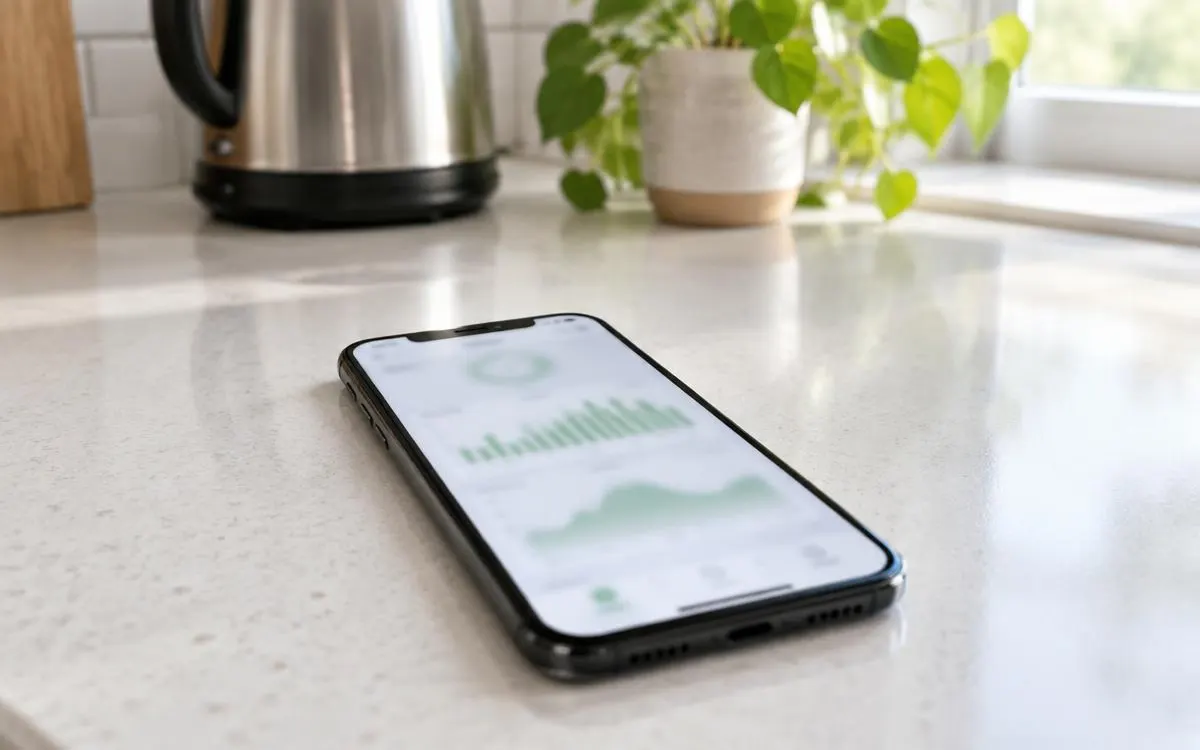
If the app is offline, check the household internet connection using ordinary devices away from the battery. Look for a published service notice through the approved manufacturer support channel. Note whether a safely accessible owner display still shows normal operation. Missing app data does not by itself establish that the battery has failed. Record the time and any visible message, then ask the installer how to distinguish communication loss from a stopped storage system.
Use only the owner-accessible checks described for your equipment and avoid repeated guessed resets. Do not remove covers to inspect cables or internal connections. If login access has changed, recover it through the established account process rather than accepting unsolicited remote help. Keep the alert wording and recent operating history if these are available safely. A clear record gives the installer more useful evidence than a general report that the app looks wrong.
2. Explain unexpected charging and discharging
A battery not charging from solar does not always indicate an equipment failure. Generation, household demand, reserve settings and charging schedules affect the intended behaviour. Ask the installer to explain which factors apply to your system before changing controls. Check the owner-facing display for available solar and any scheduled restriction where the manual permits this. Do not disconnect equipment or force charging to test a theory about the inverter or battery management system.
Unexpected non-discharge also needs context rather than an immediate internal repair. A reserve level, operating schedule or protective alert can limit output. Record what you expected, what the display showed and when it happened. Ask whether a recent authorised update changed an owner setting. If the behaviour repeats, contact the installer with the observations. Do not bypass a reserve or protective limit solely to make the battery behave like another household’s system.
3. Treat physical warning signs as urgent
An error light without other warning signs needs the response specified in the owner instructions and professional fault advice. Unusual noise or heat requires you to stop troubleshooting and contact the installer from a safe position. Do not approach a unit to touch it and judge its temperature. Swelling, a strong unusual smell, hissing or smoke are not ordinary monitoring faults. Move away from the equipment and keep other people clear of the affected area.
Leave the area and call 999 if there is fire or smoke. Do not open, reset, move or attempt to repair the battery. Never approach it to retrieve equipment details or capture a photograph. Contact the installer after you are safe and follow emergency instructions before arranging further work. A stopped system can wait for professional assessment; keeping it running is never a reason to ignore a physical warning sign or place yourself at risk.
Checklist
- I use only safe owner-accessible checks.
- I record exact messages and operating context.
- I distinguish app loss from equipment behaviour.
- I do not open, reset or bypass unsafe equipment.
- I leave and call 999 for fire or smoke.
Frequently asked questions
Does my offline app mean the battery has failed?
Not necessarily. Check ordinary internet access and approved service notices safely. Ask the installer whether monitoring loss is separate from system operation.
Why is my battery not charging from solar?
Generation, household demand, schedules or protective controls can affect charging. Record the displayed conditions and ask your installer to interpret them.
Should I force my battery to discharge for a test?
No. Follow the manual and ask about reserves, schedules or alerts. Never bypass protective controls or modify electrical connections.
What should I do if my battery smells or smokes?
Move away and stop troubleshooting. Leave the area and call 999 for fire or smoke. Contact the installer once you are safe.
So you can report useful fault evidence while keeping unsafe equipment and electrical repairs outside your owner checks.
WHLS Editorial Team
Our editorial team writes independent, plain-English guides on home energy finance. We review guides when scheme rules change.
References
- Energy Saving Trust – Energy storage (opens in a new tab)
- GOV.UK – Domestic battery energy storage systems safety review (opens in a new tab)
- Energy Saving Trust – Off-grid (opens in a new tab)
- GOV.UK – Notice of approved grant categories and values for the Boiler Upgrade Scheme (opens in a new tab)
- Energy Saving Trust – Boiler Upgrade Scheme (opens in a new tab)
- MoneySavingExpert – Warm Homes Loan Scheme news (October 2026) (opens in a new tab)
- Financial Conduct Authority – Financial Services Register (opens in a new tab)
- MCS – Find an installer (opens in a new tab)
- Energy Saving Trust – Warm Homes: Local Grant guide (opens in a new tab)
- Home Energy Scotland – Grants and loans (opens in a new tab)
- MCS – Home Energy Scotland Grant and Loan (opens in a new tab)
- Energy Saving Trust – Welsh Government Nest scheme (opens in a new tab)
- Energy Saving Trust – Consumer protection (opens in a new tab)
- RECC – Renewable Energy Consumer Code (opens in a new tab)
- HIES – Home Insulation and Energy Systems (opens in a new tab)