Read solar system size and generated energy as different measurements, not interchangeable promises. A proposal can describe rated capacity while monitoring records what the installation actually produces. Roof conditions, weather and season help explain why those readings change. This guide introduces the terms without efficiency percentages, output forecasts or assumptions about guaranteed performance.
For the broader overview, read our guide: Solar Arrays UK.
Independent guide. We are not a lender or a government body. Always check current scheme rules with the official provider.
1. Separate kWp from kWh
Kilowatt-peak, written kWp, describes the system's rated power under standard test conditions. It is a way of describing rated system size rather than the energy your home receives each day. Ask which equipment and rating the installer is describing in the quote. Do not treat the label as a prediction of constant power at your property.
Kilowatt-hour, written kWh, measures an amount of electrical energy over a period. Generation monitoring uses energy readings to show what the solar system has produced. Ask whether a displayed total covers a day, another period or the system's recorded history. Comparing readings requires the same measure and period, not simply the largest number on the screen.
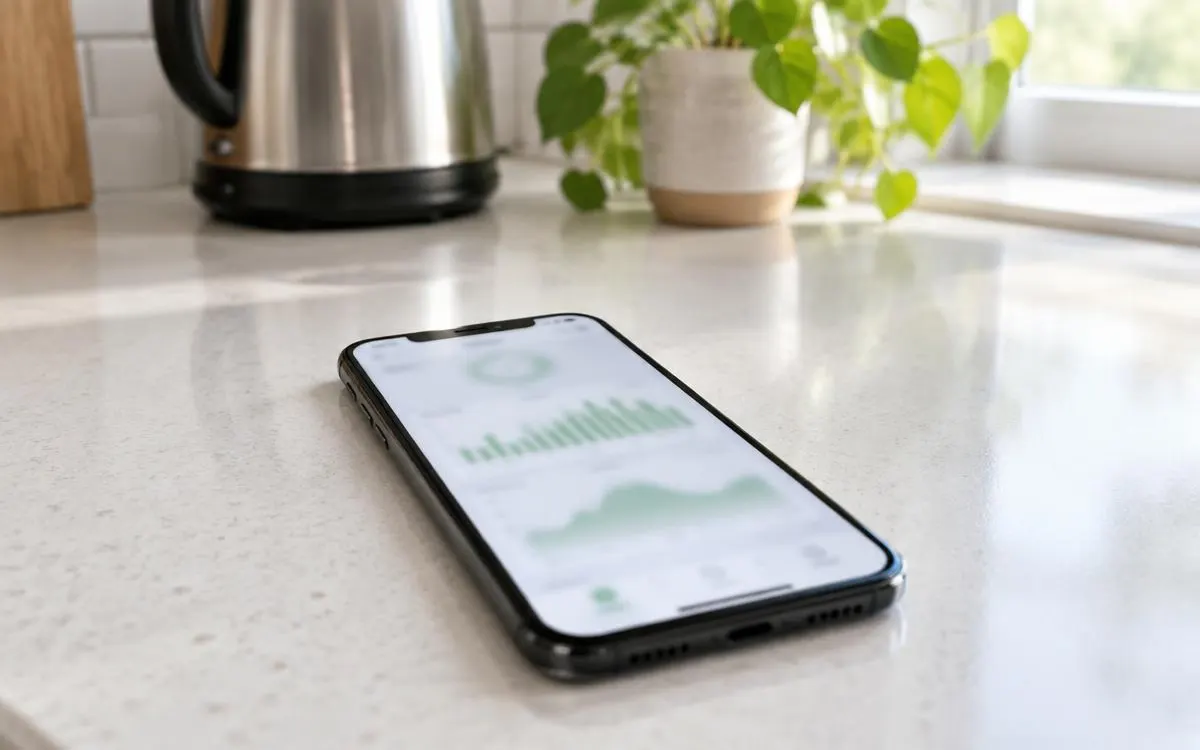
Generation, household consumption, battery activity and grid export describe different flows. Your monitoring application can display more than one of them, so ask what each label means. Electricity generated is not automatically electricity used immediately in your home. Keep the handover explanation with your instructions so later comparisons use the right information.
- Identify the rated system size in kWp on your written proposal.
- Identify the generation reading and time period shown in kWh.
- Ask the installer to distinguish generation, consumption, storage and export displays.
2. Understand conversion and gradual change
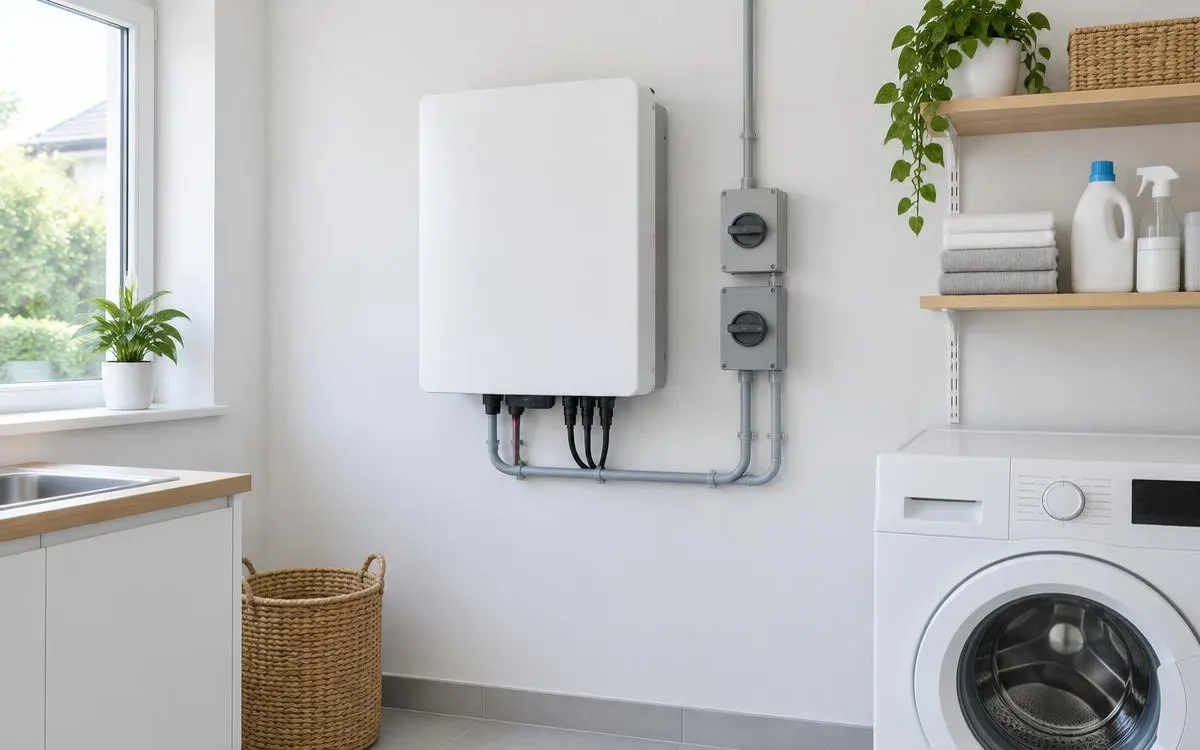
An inverter converts the electricity produced by panels into the form used by your home's electrical system. Inverter efficiency describes how effectively that conversion occurs rather than the total output of the roof. A product efficiency claim therefore does not establish the performance of the complete installation. Ask about the actual inverter model, its role and its compatibility with the proposed equipment.
Panel degradation describes a gradual change in a panel's ability to produce power over time. It is different from an abrupt fault or a monitoring connection that stops updating. Check the manufacturer's performance warranty and ask what its conditions cover. Do not turn a general statement about degradation into a fixed rate for every panel model.
Monitoring can help you notice changes, but it does not diagnose every cause by itself. Keep equipment details, warranty information and the installer's fault contact with the handover records. Report unexpected alerts or changed patterns rather than opening electrical equipment. Ask a qualified professional to interpret concerns that the operating instructions do not explain.
3. Interpret the conditions affecting output
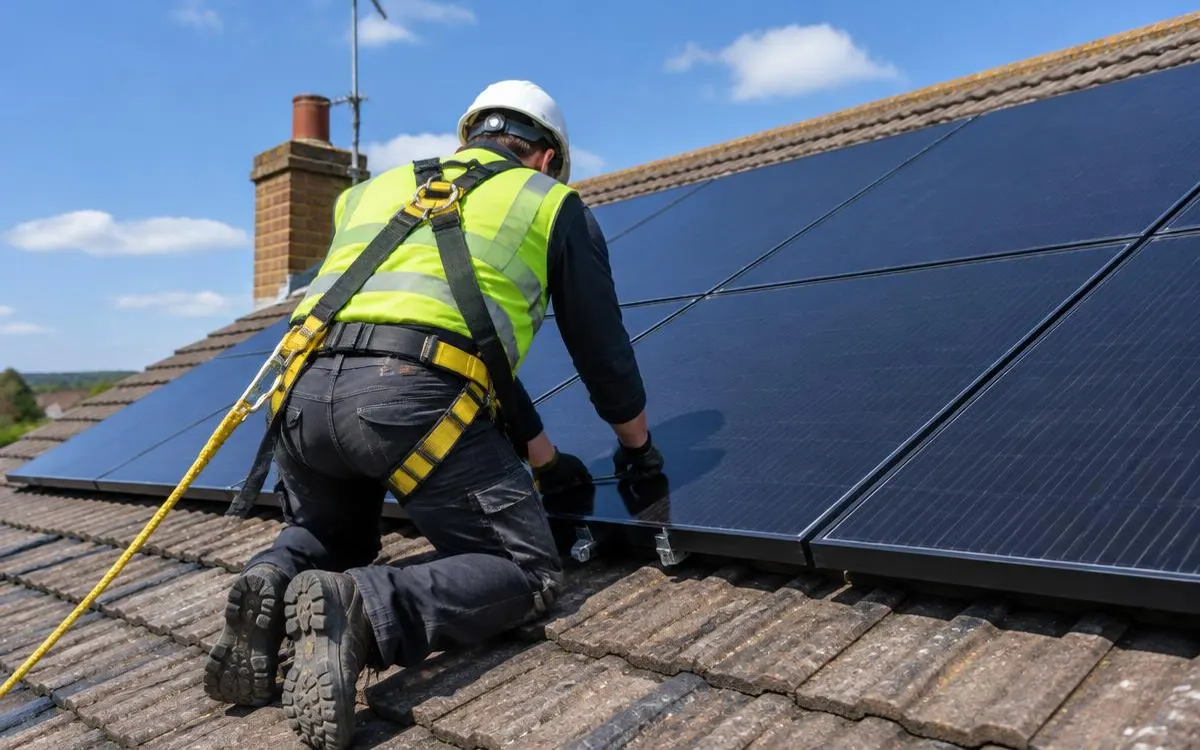
Roof orientation describes the direction the panels face, while pitch describes their angle. Both affect the relationship between the array and available sunlight. Shading from trees, buildings or roof features also matters to the design. Ask the installer how the survey accounts for those conditions rather than comparing system ratings alone.
Season and weather change the sunlight available to the installation. A lower reading during different conditions does not automatically indicate a damaged component. Compare patterns with attention to the period and what changed around the roof. If output or monitoring behaves unexpectedly, record the circumstances and ask the installer to review them.
Keep any generation estimate separate from the measured record after installation. Ask what assumptions the estimate uses and how monitoring will help you understand actual operation. Do not read a projection as a guarantee of energy, savings or carbon reduction. A useful explanation connects the rated equipment, surveyed conditions and clearly labelled readings.
Checklist
- I know that kWp describes rated system size.
- I know that kWh measures generated energy over a period.
- I understand my monitoring labels.
- I checked inverter and performance warranty information.
- I consider roof conditions and season when reading output.
Frequently asked questions
Does my kWp rating tell me daily generation?
No. It describes rated power under standard test conditions. Actual generated energy depends on the installation and available sunlight.
What does my kWh display measure?
Check its label and period. A generation display records solar energy produced, while consumption, battery and export displays describe different flows.
Does inverter efficiency predict my whole system's output?
No. It concerns conversion within the inverter. Roof conditions, panels and sunlight also affect the installation's generation.
Does a changing reading mean my panels are degrading?
Not necessarily. Weather, season, shading and monitoring issues can change readings. Ask the installer to assess an unexpected pattern or fault.
So you can read solar measurements correctly and ask informed questions about the conditions behind them.
WHLS Editorial Team
Our editorial team writes independent, plain-English guides on home energy finance. We review guides when scheme rules change.
References
- Energy Saving Trust – Solar panels (opens in a new tab)
- Planning Portal – Solar equipment planning checks (opens in a new tab)
- GOV.UK – Register energy devices (opens in a new tab)
- Energy Saving Trust – Solar panel cleaning and maintenance (opens in a new tab)
- Electrical Safety First – Solar panels (opens in a new tab)
- MCS – Find an installer (opens in a new tab)
- Energy Saving Trust – Consumer protection (opens in a new tab)